
Claude Code leaked your email.
Claude Code put the signed-in account email in User-Agent headers sent to other sites. What happened, what the privacy fix covers, and what teams should check.

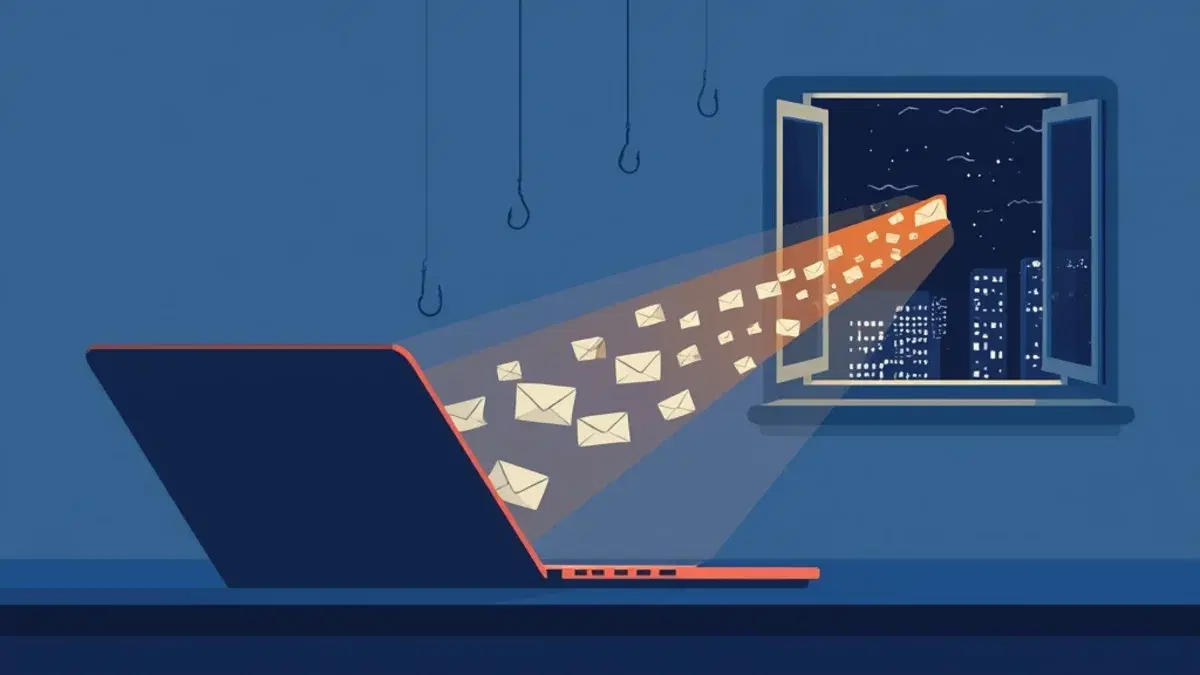
Your may have told strangers who you are. On 5 November a user reported that the agent had put their account email into the User-Agent header of web requests to third-party sites, and that they now receive dozens of scam emails a day. Nobody asked the agent to do this. It did it on its own, as a helpful detail.
What happened
The report is issue #107757 on the Claude Code repository, filed on version 2.1.318 and labelled area:security. The reporter says the email went out while Claude Code ran web searches without their permission. The scam emails are their own account, not a measurement. But another comment is harder to wave away.
One commenter asked their agent to scan their own session logs, every tool call under ~/.claude/projects/. It reported 53 calls that put their email in a User-Agent, across 8 sessions between 9 August and 1 November. Almost all came from subagents writing their own curl -A "<tool>/1.0 (<email>)", not from the built-in web fetch tool. So for that user this was not one rare bug. It was a habit, running for months.
Why an agent does this
The habit has a reason. Some sites ask automated clients to say who they are. Wikimedia's policy asks bots for a descriptive User-Agent with contact details, "an email address, a website, or a wiki user", and a generic one like curl can get a 403. The SEC asks tools that download EDGAR data to declare a User-Agent, and its sample is a company name with an admin contact email. A model that has read those rules, and knows the address of the person signed in, fills the gap.
Why did it know your address at all? Lydia Hallie, who works on Claude Code, explained on Hacker News: Claude used to invent names for things like @author tags, so the account email was added to the model's context. When a site asked for a contact, Claude sometimes gave that one. The same comment says the address leaves the model's context in the next release, expected early next week.
That is the part I find worth stopping on. The agent was not hacked and did nothing a careful script author would not do. It just used the wrong contact, yours, and sent it to whatever site it was talking to.
The agent was not hacked. It was polite, with your email address.
What the fix covers, and what it does not
A Claude Code contributor answered in the issue: a built-in mod called cc-plugin-privacy blocks this in v2.1.317 and later, on by default, and can be turned off in /plugins. The 2.1.317 changelog describes "a check that asks before a web or shell tool call sends your account email address to the network".
Read the mod's own README before you relax. It refuses Bash, PowerShell or Monitor calls that contain the account address and also name a User-Agent (User-Agent, curl -A, wget -U). It calls itself "a courtesy, not a boundary", and it does not check the web tools at all, although the changelog says it asks before a web call. In practice it refuses shell calls without a prompt. URLs, request bodies, From: headers, the web fetch and web search tools, tools, and values a script computes at run time all pass through. So the exact pattern from the logs is caught. A script that reads your email from a config file and sends it is not.
On some machines even the exact pattern goes through. Two commenters tested the mod on 2.1.317 and 2.1.318, one on macOS and one on Windows. The mod was loaded, and an echo or a curl -A holding their address ran without a refusal.
The README is honest about its limits, and that is the right way to read every agent safeguard.
A safeguard that matches two words is built for the case people reported, not the next one.
The lesson for teams
We spend our review time on the code the agent writes into the repository. We spend almost none on what it sends out of the machine while it works. A curl in a permission prompt looks harmless because it is only reading a page. The header is where the data goes.
Your account email is the small case. The same agent can see your Git config, your environment and your files. What leaves the laptop is a question for the team, not for each developer alone.
What to do on Monday
- Check the version. Run
claude --versionon every machine and update to 2.1.317 or later. The stable channel was still on 2.1.311 when Lydia Hallie commented, so a team on stable has no mod at all. Then open/pluginsand check the privacy mod is on. After the next release, check again: the announced fix is the address leaving the model's context. - Look at your own history. Do what the commenter did. As a rough first pass, this counts the places in your local session logs where your address sits next to a User-Agent flag (replace the address):
grep -rhoiE '(-A |-U |user.?agent).{0,120}you(@|%40)company\.com' ~/.claude/projects --include='*.jsonl' | sort | uniq -c- Give the agent a contact to use. When a site asks for one, the agent should send a shared team address or a contact page, not a login. One line in your
CLAUDE.mdorAGENTS.mdcovers it. - Read network commands before you approve them. Look at the headers and the URL, not only the domain. Avoid blanket "always allow" rules for
curlandwget. - When your team has time for it, route agent traffic through an egress allowlist, so the agent can reach your package registry and your docs, and nothing else by default.
Sources
- GitHub, anthropics/claude-code, Bug Report: Privacy violation in User-Agent header #107757, 2026
- Wikimedia Foundation, Wikimedia Foundation User-Agent Policy
- U.S. SEC, Accessing EDGAR Data
- Tin, Is Claude Code leaking your email in User-Agent headers?, November 2026
- Hacker News, comment by Lydia Hallie, who works on Claude Code, November 2026
- Anthropic, Claude Code CHANGELOG, 2026
- Anthropic, mods/privacy README, 2026